WINDOWS SUBSYSTEM
Install the Windows Subsystem for Linux
Before installing any Linux distros for WSL, you must ensure that the "Windows Subsystem for Linux" optional feature is enabled:
- Open PowerShell as Administrator and run:PowerShell
Enable-WindowsOptionalFeature -Online -FeatureName Microsoft-Windows-Subsystem-Linux
*************************************************************************************************
- Open the Microsoft Store and choose KALI LINUX.
 The following links will open the Windows store page for each distribution:
 - From the distro's page, select "Get"
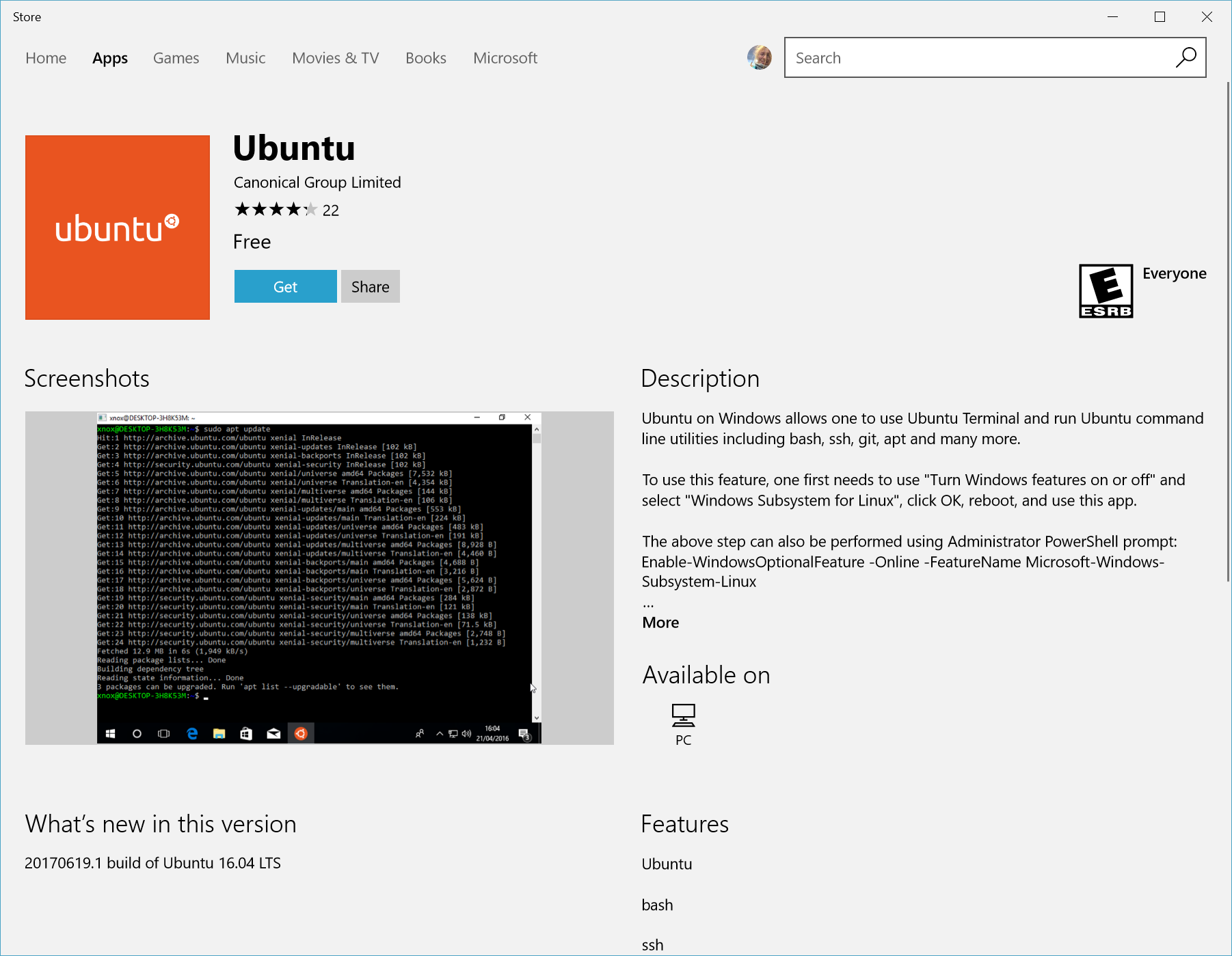
Complete initialization of your distro
Now that your Linux distro is installed, you must initialize your new distro instance once, before it can be used.


Comments
Post a Comment